




How To Use
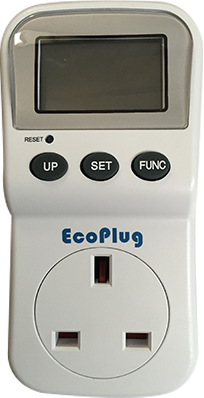
- Plug the EcoPlug into the wall socket
- Then plug the electrical appliance that you wish to monitor the electricity consumption into the EcoPlug
| Item | Action | Function |
| 1 Function ■ | Press |
Display the following each time it is pressed:
|
| 2 Power ▲ | Press | Displays the power consumption. |
| 3 Cost ▼ | Press | Displays the total energy consumption and total electricity charges. |
| 4 OL | - | When the LED lights up, the device plugged into the EcoPlug is consuming more power than allowed. Disconnect immediately. |
| To Set Unit price of electricity | Hold COST button & press FUNCTION button | Rate is displayed on flashing LCD. Then press the ▲ and ▼ buttons to set the unit charge. When the set up is complete, press the ■ button to end the setting procedure. |
| 4 OL | Press the ■ button for 4 seconds of just simply switch off the power |
Operating Example
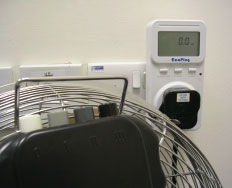 |
| Fan Off |
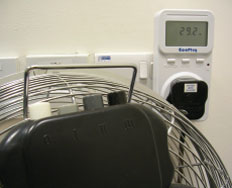 |
| Fan at Low Speed |
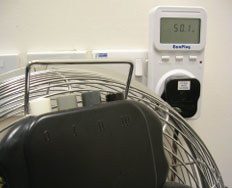 |
| Fan at High Speed |